Create with generated scenes.
A workflow designed around rights-cleared references, generated takes, human-directed editing and finishing.

CINEPASS / CREATE
Explore a connected workflow for approved references, shot generation, take selection, sequence assembly and human-led review.
PRODUCTION INTELLIGENCE / CINEPASS.AI
01 / CREATE
The blueprint is a starting point. The bigger workflow connects shot generation, take selection, editing and sound—so your story can become a sequence, not just a document.
FROM REFERENCE TO ROUGH CUT
Use approved characters, environments and creative direction as the starting point.
Select takes. Shape sequences. Refine picture, performance, sound and pacing.
Carry the same story and references into the next cut. Keep the decisions with the filmmaker.
Sample animatic from the LAST LIGHT storyboard. See shot generation and finishing in a private demo.
Discuss the production workflowONE CREATIVE CONTEXT
A workflow designed around rights-cleared references, generated takes, human-directed editing and finishing.
Bring filmed footage, generated elements and editorial choices into the same production context.
THE INTELLIGENCE THAT CARRIES FORWARD
The advantage is the connection: story intent, approved references and revision history informing the next decision—from the first scene to the final deliverable.
02 / REVIEW · SAMPLE SCENE
Connect the original script, visual references and review notes. Check the scene against its creative intent before moving into the next cut or handoff.
INT. LIGHTHOUSE SIGNAL ROOM — DAY

Clear sea light fills the tall windows.
The radio and charts cover the left of the desk.
A sealed RED ENVELOPE rests on the right.

                     NORA
That channel went silent ten years ago.

ELLIOT waits across the desk.

                     ELLIOT
Then don't answer it.

Her hand stops above the radio.
The envelope remains sealed.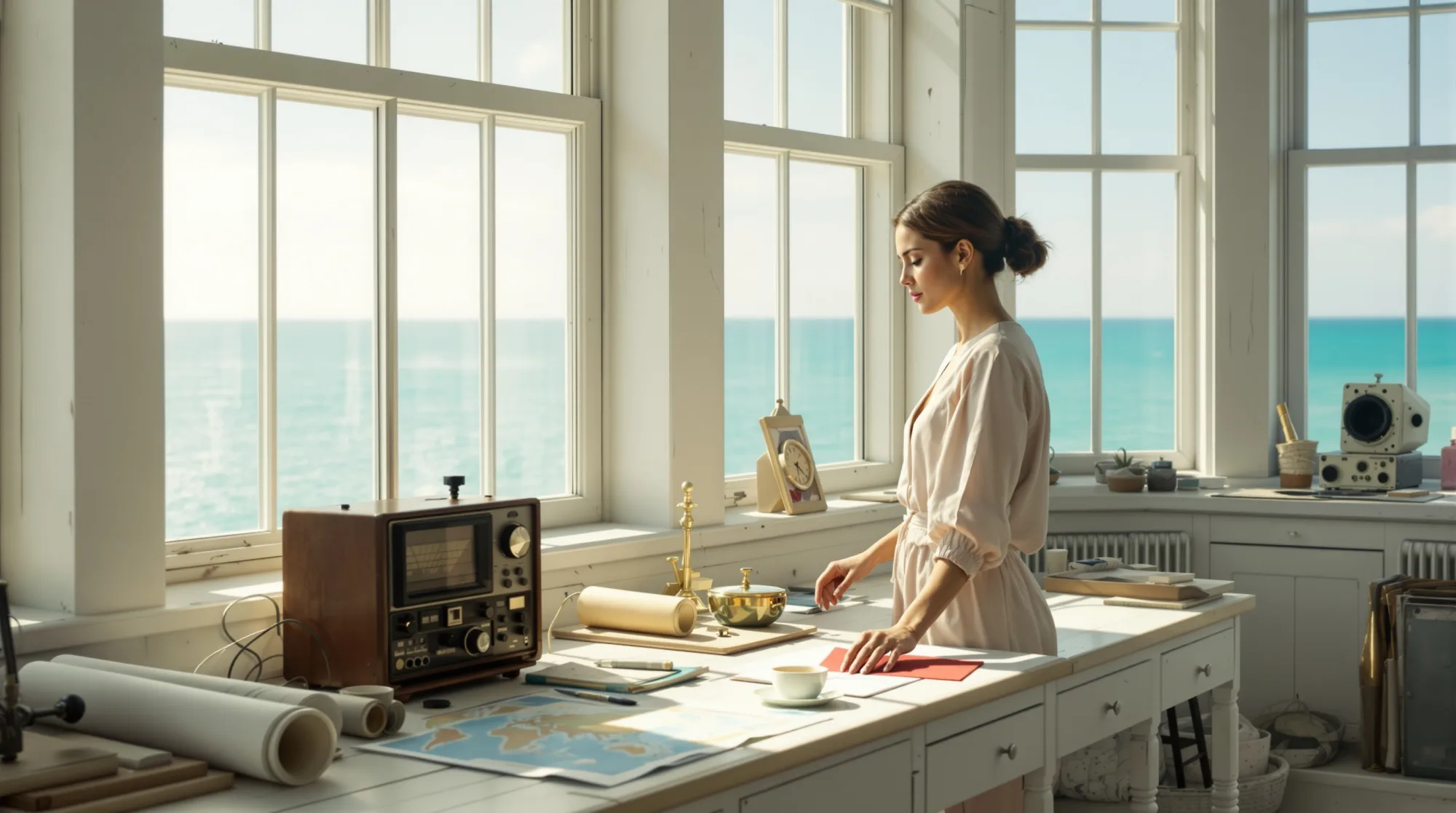
START WITH WHAT THE STORY ACTUALLY SAYS
Nora. Elliot. A radio. A sealed red envelope. Keep the story’s details connected as the scene takes shape.
FROM STORY INTENT TO COVERAGE
01 / 5sEstablish the room before the interruption.
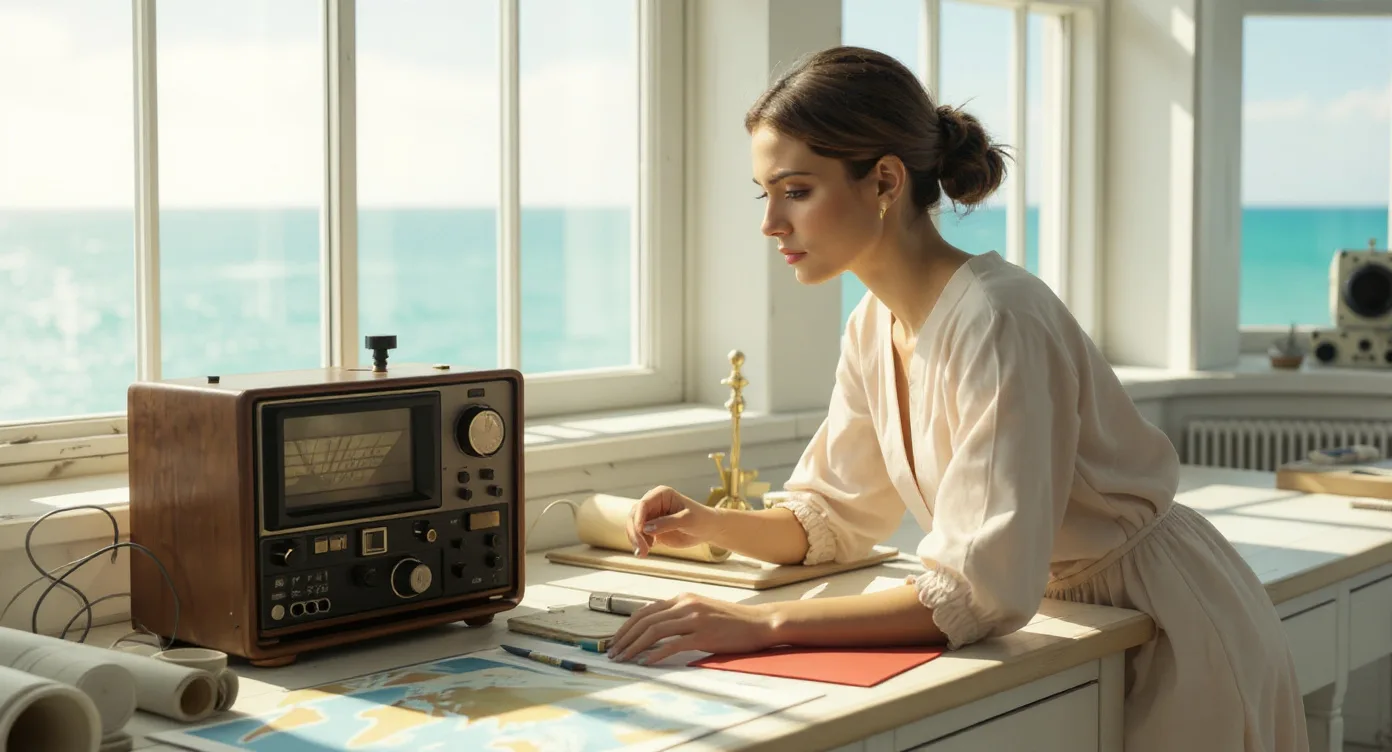 02 / 5s
Nora notices the radio.
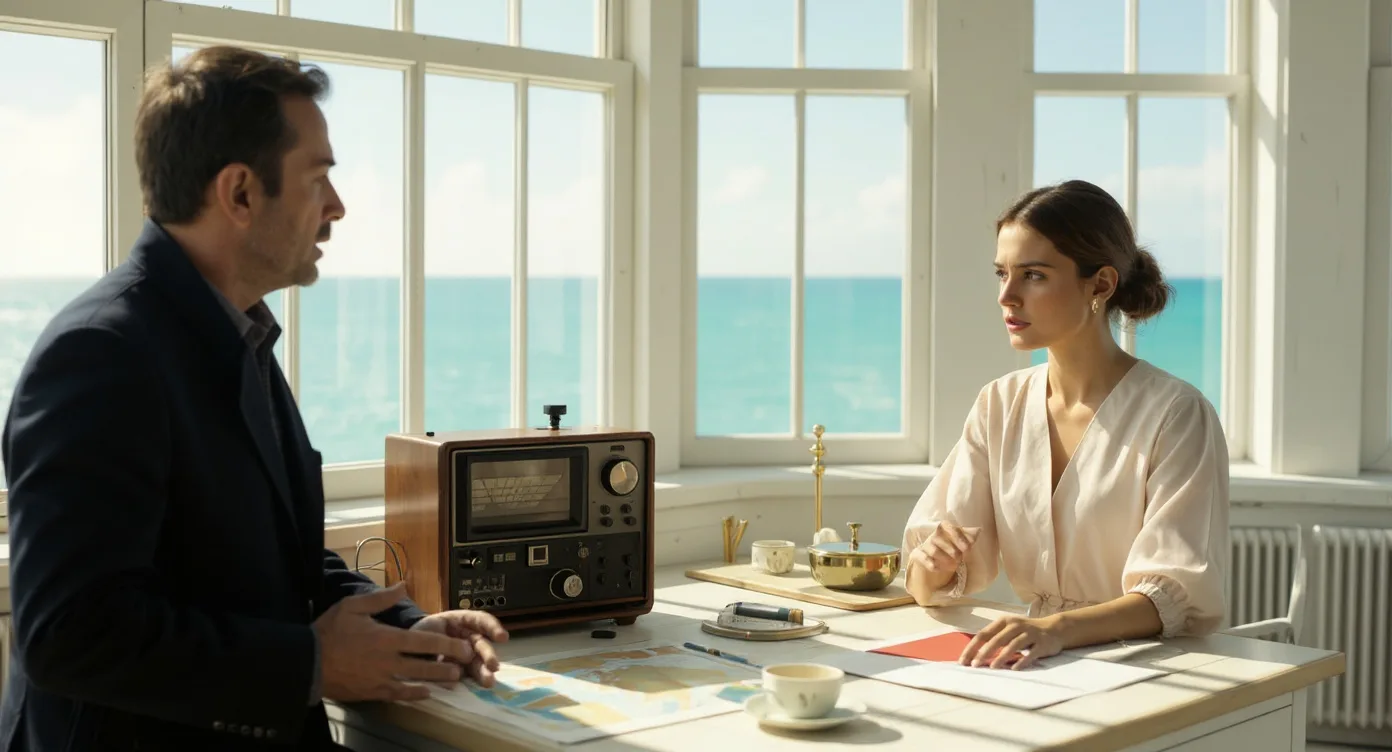 03 / 5s
Elliot stays across the desk.
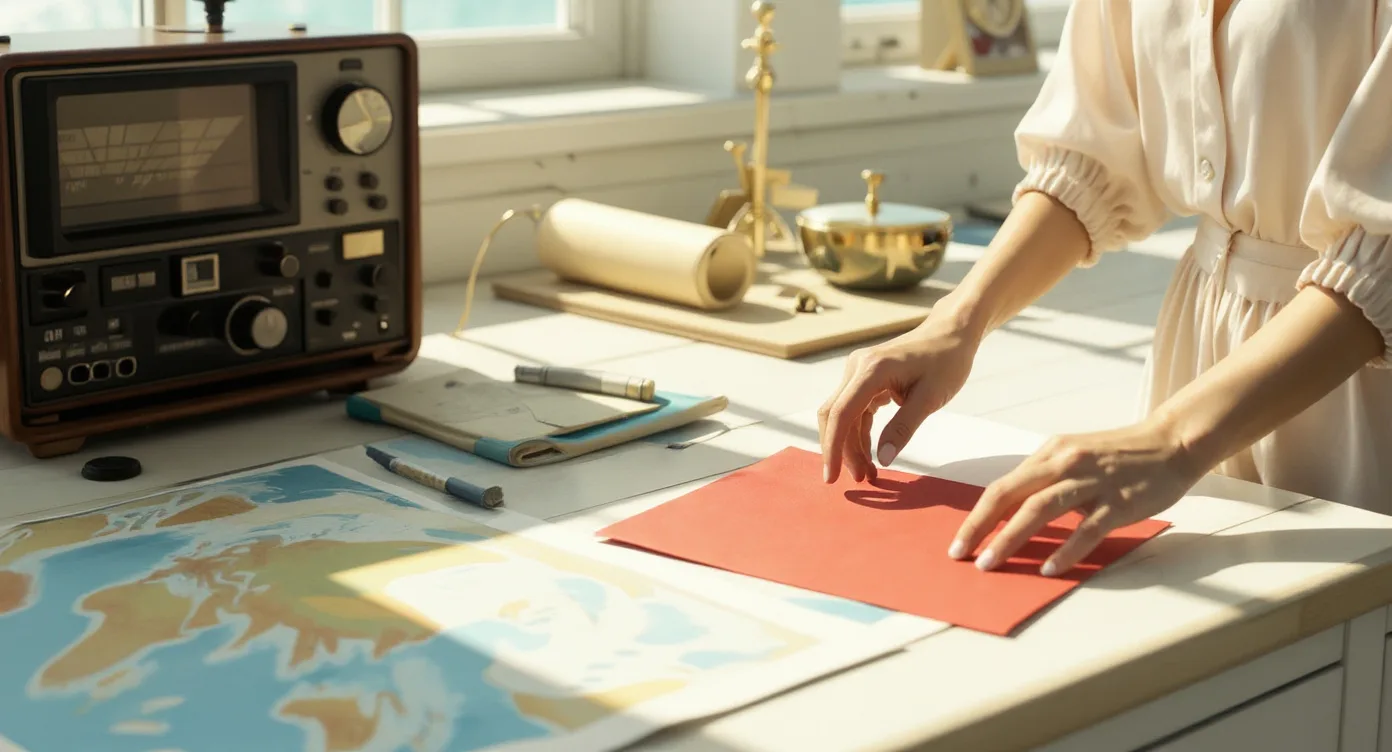 04 / 5s
The envelope remains sealed and red.
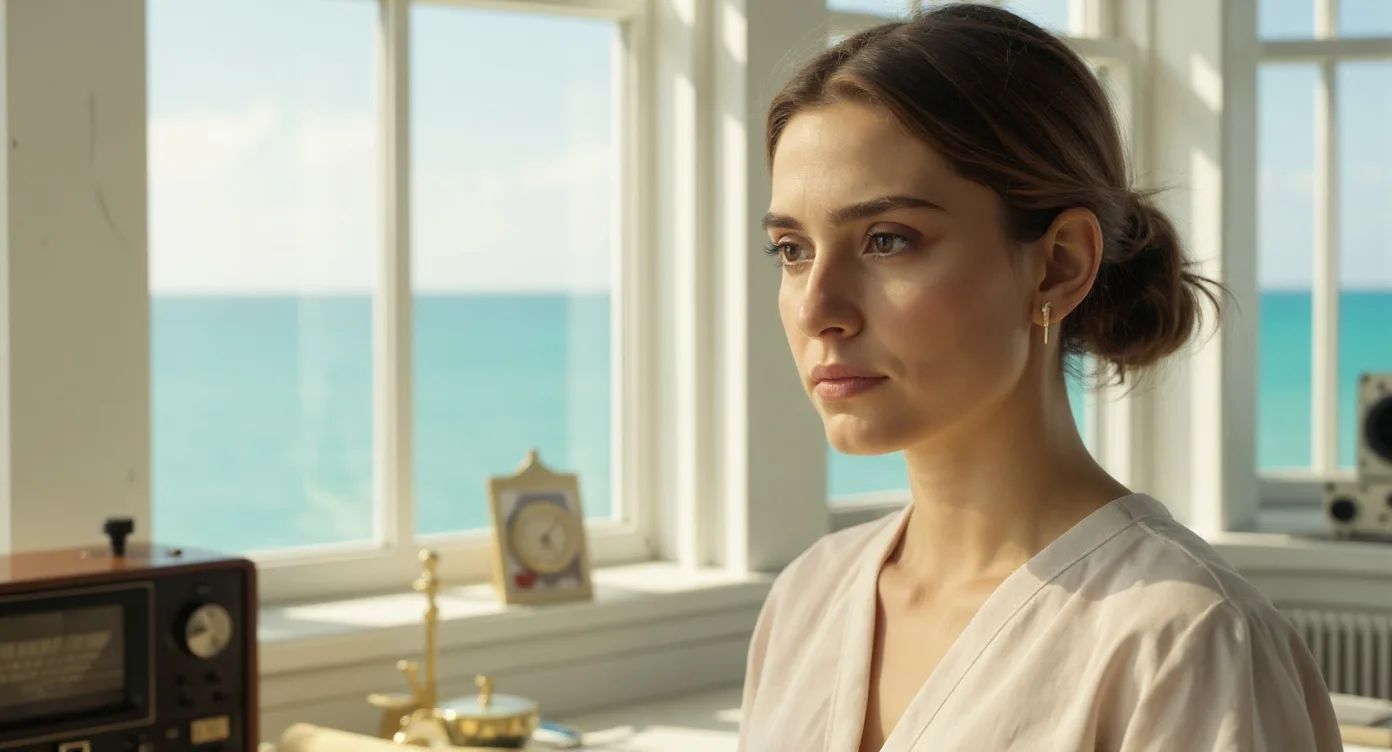 05 / 5s
Let the recognition register.
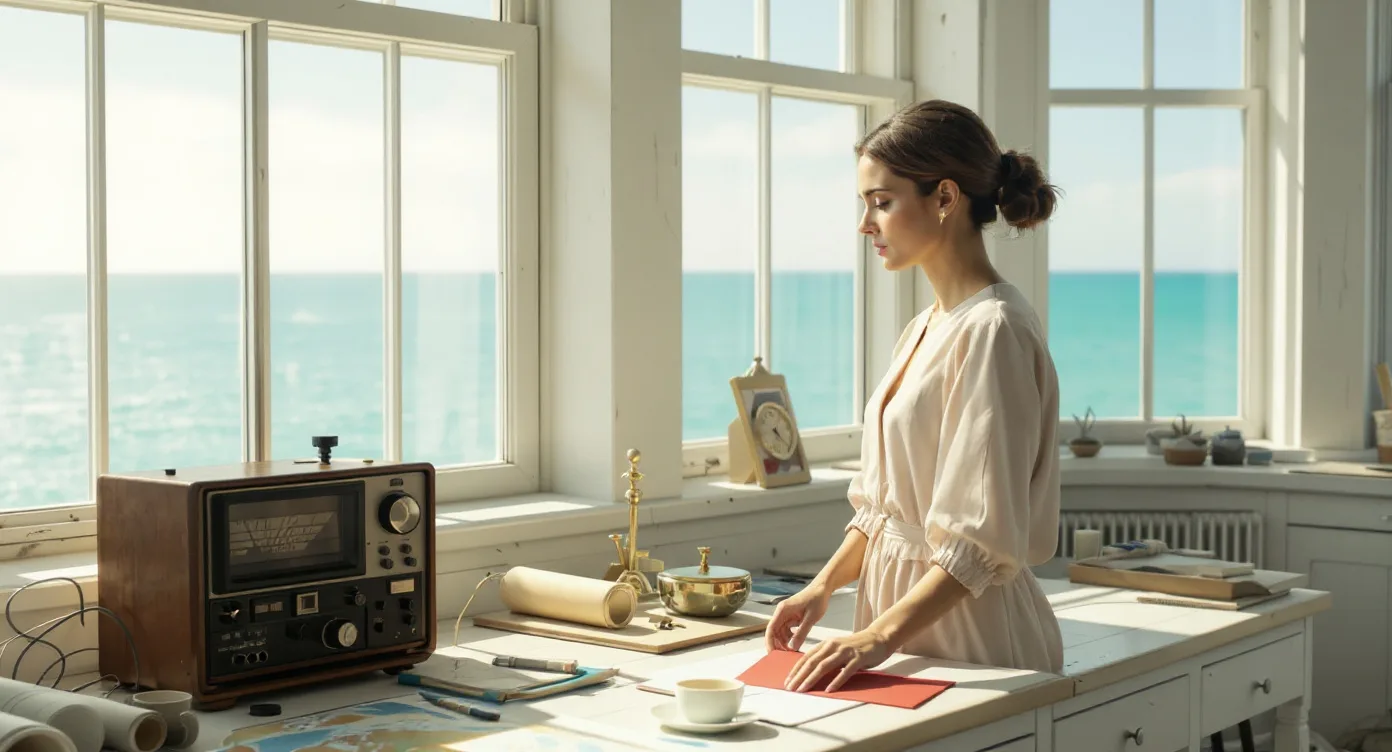 06 / 5s
Her hand stops. The choice remains open.
REVIEW THE DECISIONS, NOT JUST THE IMAGE
Keep the choice unresolved. Nora’s hand stops; she does not answer in this excerpt.
The envelope must remain red, sealed and on the right side of the desk.
Sample review: compare the scene with the script and approved references before the next handoff.
THE OUTPUT / A SHARED STARTING POINT
A scene map, shot list, visual references and review notes—organized around the same story. The filmmaker reviews the choices before the next stage.
Download the sample plan Sample plan file · fictional sourceINCLUDED IN THIS SAMPLE
FOR STUDIOS, AGENCIES & FILMMAKERS
A cinematic proof of concept. A stronger cut. A connected production workflow. Start with the opportunity that matters to your team.