PRODUCTION BIBLE
LASTLIGHTSTORY · WORLD · SCENE PLAN
Sample projectCINEPASS.AI

THE INTELLIGENT OPERATING SYSTEM FOR FILM PRODUCTION
From screenplay to screen—one connected workflow, with you in creative control.
Start with a story. See how far it can go.
LAST LIGHT SAMPLE STORY
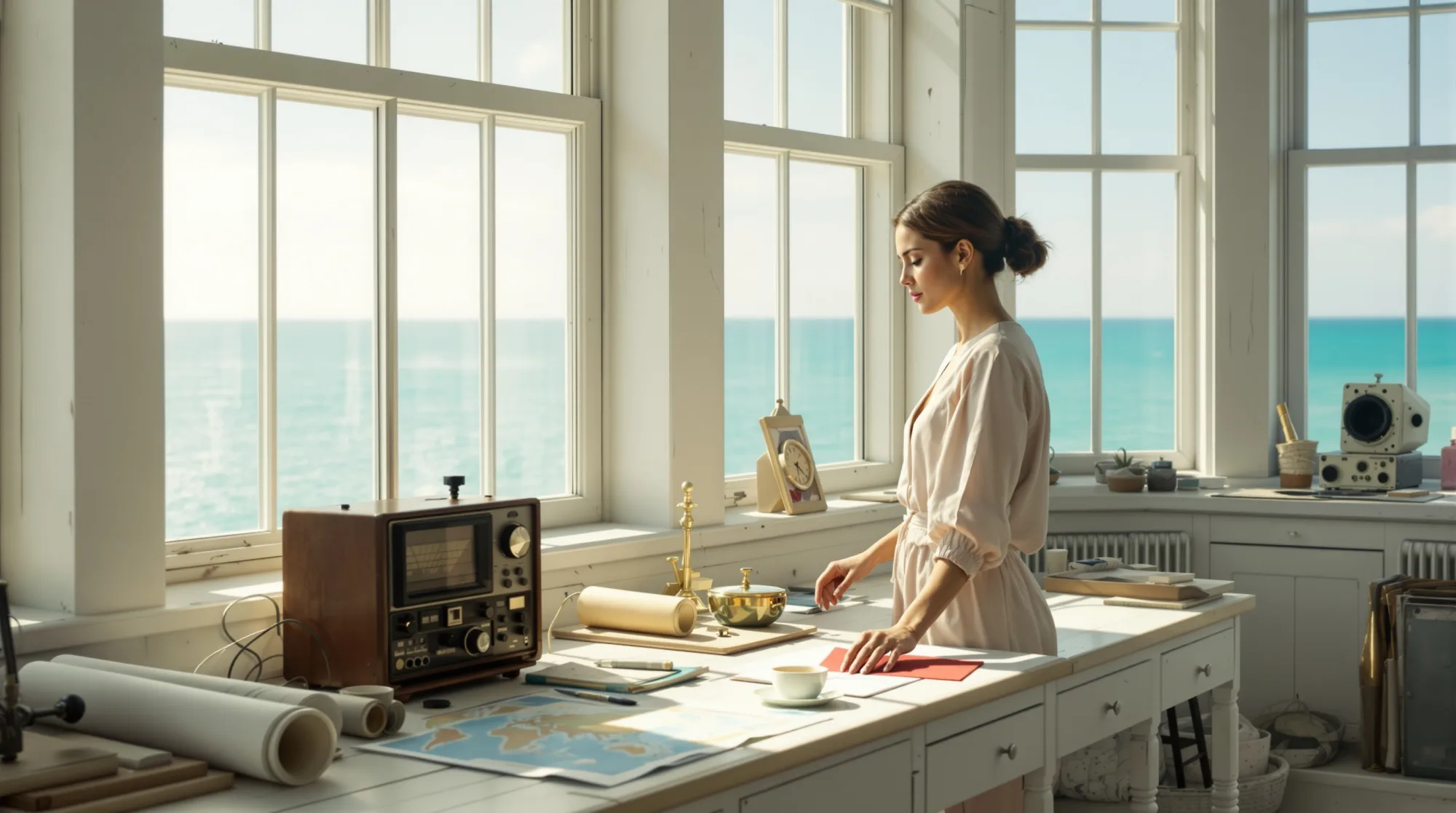
INT. LIGHTHOUSE
SIGNAL ROOM — DAY
A sealed RED ENVELOPE
rests on the right.
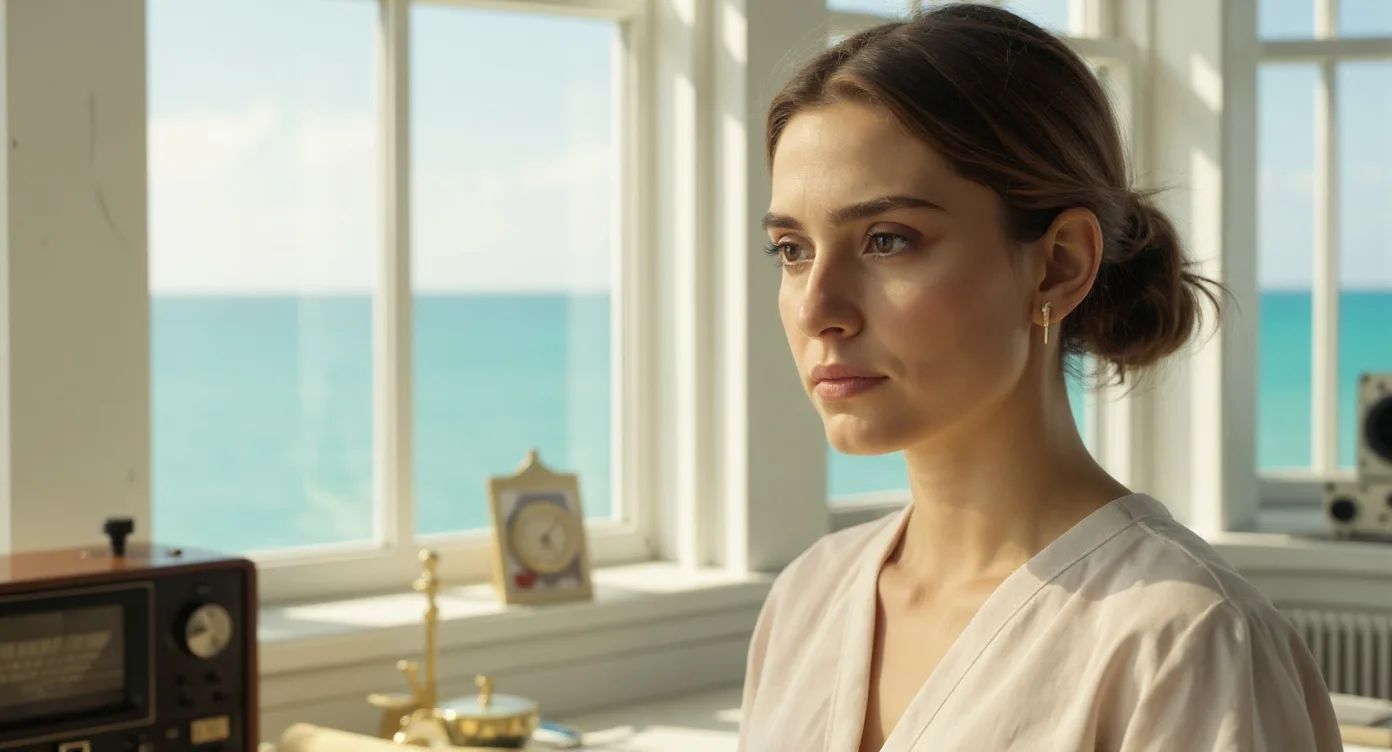
NORA
“That channel went silent
ten years ago.”
 LAST LIGHT SCENE ASSEMBLY
01
 02
 03
 0405
 06LAST LIGHT CREATIVE REVIEW
THE DETAIL THAT CARRIES FORWARD
Keep this reference, or ask for a revision before the plan moves on.
Your choice stays with the project.
LAST LIGHT AUDIENCE LAB
Do viewers read Elliot’s warning as protection, a threat, or something else?
Sample editorial questions · compare, then test with viewers.
LAST LIGHT RELEASE PREPARATION
Selected sample: Cut A
Optional MoviePush connection · authorized channels.
PROJECT DEVELOPMENT / FROM IDEA TO OPPORTUNITY
Turn your script into a production bible, visual proof of concept, and a presentation for producers, partners, and prospective investors.
Keep the creative vision and authorized talent references connected—from the first pitch into production.
PRODUCTION BIBLE
LAST01 / CREATE
The blueprint is a starting point. The bigger workflow connects shot generation, take selection, editing and sound—so your story can become a sequence, not just a document.
FROM REFERENCE TO ROUGH CUT
Use approved characters, environments and creative direction as the starting point.
Select takes. Shape sequences. Refine picture, performance, sound and pacing.
Carry the same story and references into the next cut. Keep the decisions with the filmmaker.
Sample animatic from the LAST LIGHT storyboard. See shot generation and finishing in a private demo.
Discuss the production workflowONE CREATIVE CONTEXT
A workflow designed around rights-cleared references, generated takes, human-directed editing and finishing.
Bring filmed footage, generated elements and editorial choices into the same production context.
THE INTELLIGENCE THAT CARRIES FORWARD
The advantage is the connection: story intent, approved references and revision history informing the next decision—from the first scene to the final deliverable.
02 / REVIEW · SAMPLE SCENE
Connect the original script, visual references and review notes. Check the scene against its creative intent before moving into the next cut or handoff.
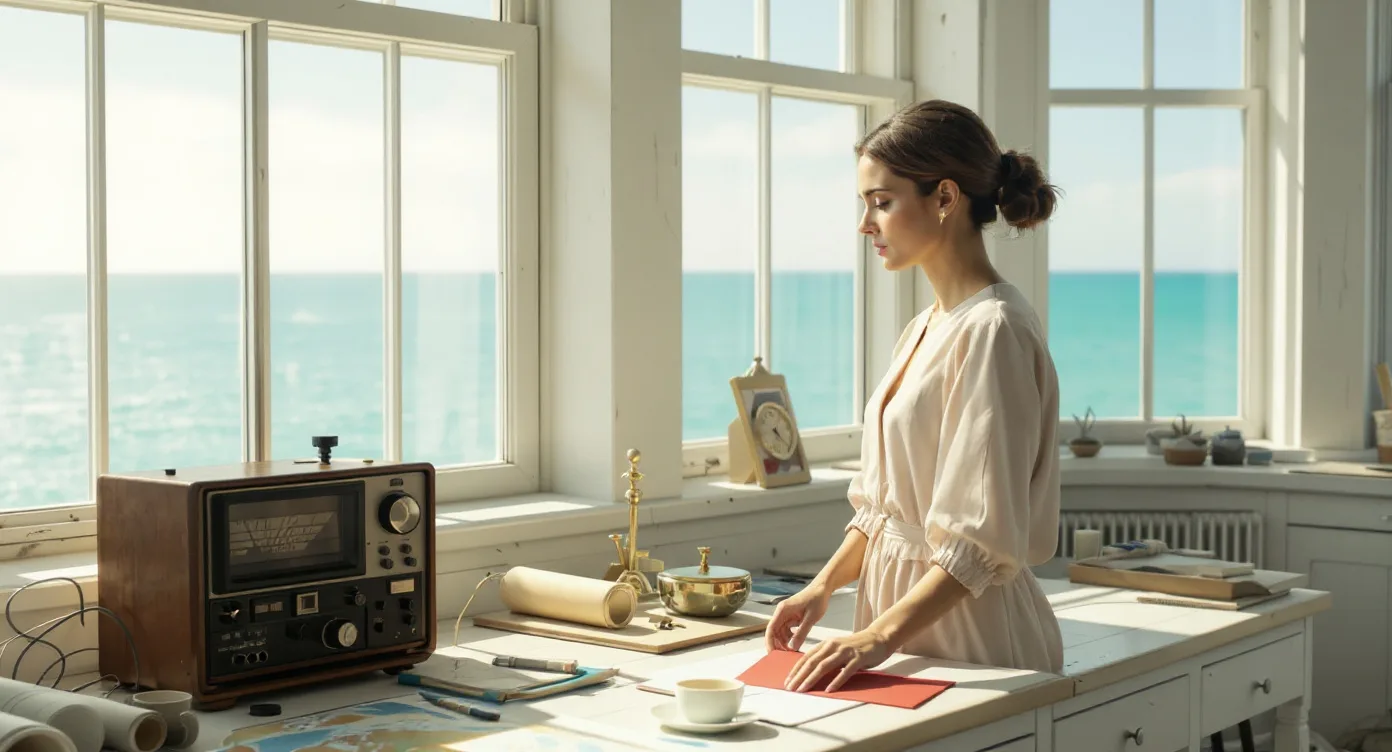
INT. LIGHTHOUSE SIGNAL ROOM — DAY

Clear sea light fills the tall windows.
The radio and charts cover the left of the desk.
A sealed RED ENVELOPE rests on the right.

                     NORA
That channel went silent ten years ago.

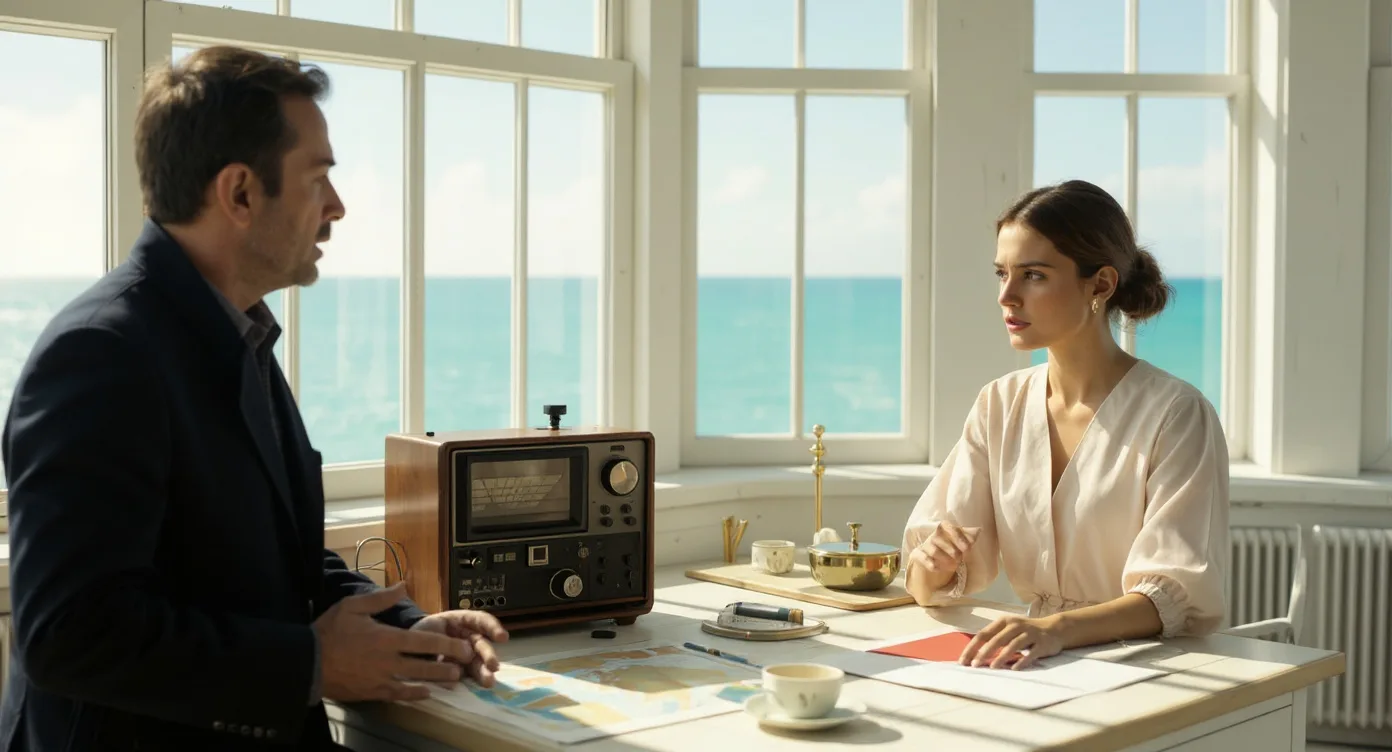
ELLIOT waits across the desk.

                     ELLIOT
Then don't answer it.

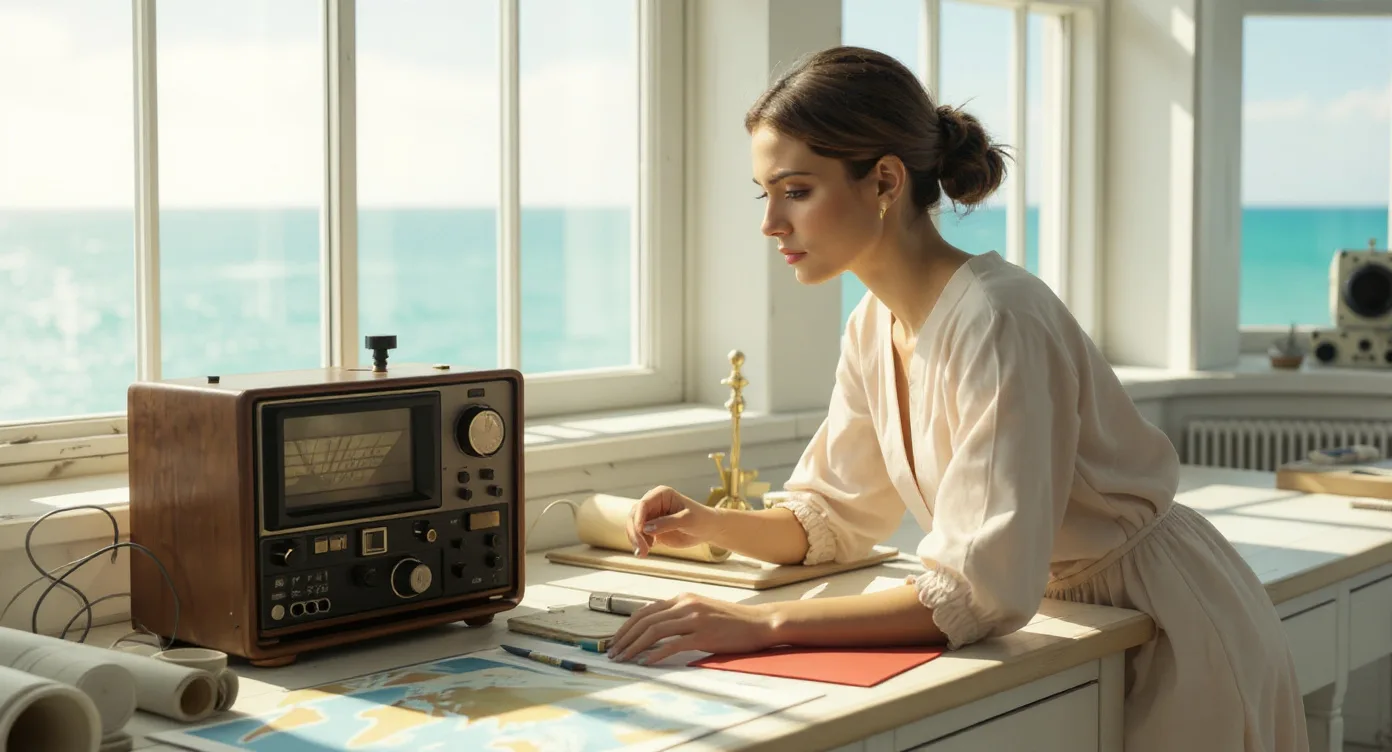
Her hand stops above the radio.
The envelope remains sealed.
START WITH WHAT THE STORY ACTUALLY SAYS
Nora. Elliot. A radio. A sealed red envelope. Keep the story’s details connected as the scene takes shape.
FROM STORY INTENT TO COVERAGE
01 / 5sEstablish the room before the interruption.
02 / 5sNora notices the radio.
03 / 5sElliot stays across the desk.
04 / 5sThe envelope remains sealed and red.
05 / 5sLet the recognition register.
06 / 5sHer hand stops. The choice remains open.
REVIEW THE DECISIONS, NOT JUST THE IMAGE
Keep the choice unresolved. Nora’s hand stops; she does not answer in this excerpt.
The envelope must remain red, sealed and on the right side of the desk.
Sample review: compare the scene with the script and approved references before the next handoff.
THE OUTPUT / A SHARED STARTING POINT
A scene map, shot list, visual references and review notes—organized around the same story. The filmmaker reviews the choices before the next stage.
Download the sample plan Sample plan file · fictional sourceINCLUDED IN THIS SAMPLE
CONNECTED INTELLIGENCE / HUMAN DIRECTION
Each specialist focuses on its craft. The Executive Showrunner connects the findings across the work. The filmmaker makes the final decision.
Protect the story’s intent.
Checks the proposed adaptation against the locked script, dramatic intention and source evidence.
Cannot rewrite canon or create unapproved facts.
Tap a specialist to see how it helps.
Checks the proposed adaptation against the locked script, dramatic intention and source evidence.
Human boundary: Cannot rewrite canon or create unapproved facts.
Reviews the clarity of openings, dramatic turns and episode-to-episode transitions without substituting arbitrary spectacle.
Human boundary: Changes to structure require producer approval.
Reviews coverage, progression, shot order and editorial relationships across the planned or rendered sequence.
Human boundary: Does not silently discard approved footage.
Reviews shot purpose, framing, lens logic, camera movement and screen geography.
Human boundary: Aesthetic recommendations are not automatic directives.
Reviews motivated lighting, exposure relationships and intentional color continuity.
Human boundary: Cannot replace the approved look without authorization.
Reviews cast placement, eyelines, screen direction, wardrobe and state changes against the production context.
Human boundary: Your creative intent guides continuity review.
Reviews environments, prop state, materials, geography and the visual story they tell.
Human boundary: Does not invent props or overwrite reference masters.
Performance intention, dialogue delivery and voice continuity are the focus of this review.
Human boundary: Approve performance and voice direction.
Reviews dialogue intelligibility, sound perspective, transitions and music’s dramatic role.
Human boundary: Approve the music selection and final mix.
Performs an independent pass over the work, specialist findings and technical blockers.
Human boundary: Review unresolved issues before approving the next stage.
CREATOR-RIGHTS APPROACH
Start with authorized material. Define participation and intended use. Keep creative approval separate from permission to publish.
Explore the approach03 / AUDIENCE · AUDIENCE LAB
Explore possible reactions to story, pacing and clarity. Compare cuts, turn the findings into better questions, then test with real viewers.
Establish the room, introduce the warning, then draw attention to the envelope.
WHAT WOULD YOU TEST?
Ask whether viewers read Elliot’s warning as protection, a threat, or something else.
Sample editorial hypotheses.
04 / RELEASE
Keep the master, trailer, captions, artwork and metadata together. Give every release a clear package—and a human approval.
A MoviePush connection to your authorized web, mobile and connected-TV destinations can be scoped for your project.
Distribution on authorized channels.
The feedback loop. With permission, real viewing data can inform audience analysis and future creative decisions.
THE CINEPASS DIFFERENCE
Connected decisions mean less time repeating the same creative conversations.
Creative context gets lost between documents, departments and revisions.
Keep approved choices, visual references and next steps connected.
Fewer handoffs and clearer next steps.
Carry key story details across the work.
Creative decisions remain with filmmakers.
EXPLORE THE WORKFLOW
Cast the characters. Establish the world. Shape the shots. Review the decisions. One guided experience, built around your point of view.
Explore the sample workflow ↗01 / START YOUR STORY
Choose the format. Set the production boundaries.
Plan episode length and clip length separately.LAST LIGHT FOUNTAIN / ORIGINAL CONCEPT
INT. LIGHTHOUSE SIGNAL ROOM — DAY

Clear sea light fills the tall windows.
The radio and charts cover the left of the desk.
A sealed RED ENVELOPE rests on the right.

                     NORA
That channel went silent ten years ago.

ELLIOT waits across the desk.

                     ELLIOT
Then don't answer it.

Her hand stops above the radio.
The envelope remains sealed.02 / CAST
32 · Dark hair, low bun · Pale linen wardrobe
44 · Charcoal coat · Source character
03 / ENVIRONMENTS
04 / PROPS
05 / REFERENCE SHEETS
Reference for review
Reference for review
Reference for review
Reference for review
Keep character references consistent. Review affected shots when a reference changes.
06 / STORYBOARDS
SHOT INSPECTOR / SAMPLE SHOT
The envelope remains sealed and red.
Six shot setups, each linked to its storyboard reference.
07 / REVIEW & RENDER
Intentional variation / blue envelope
Reference target / red envelope
Interactive sample workflow. Explore each step, from story to handoff.
FOLLOW ONE STORY / LAST LIGHT
A lighthouse. A forbidden frequency. A red envelope that must remain sealed. One original fictional scene makes the production logic visible.
“A sealed RED ENVELOPE
rests on the right.”
The script tells us what matters. The production plan carries that intention forward.
Red. Sealed. Right side of the desk.
Prop reference → storyboard → camera plan.
Compare an intentionally varied blue envelope with the locked target.
QUALITY / A SPECIFIC QUESTION
A review is useful when it can point to the detail that changed—not merely produce a green checkmark.
ONE CREATIVE CONTEXT / DISTINCT RESPONSIBILITIES
Story Engine organizes the production context. Independent review provides another perspective. Filmmakers set the direction.
Source → assets → shot plans → handoff
PRODUCTION ORCHESTRATIONEvidence → findings → reviewed revisions
INDEPENDENT QUALITY SYSTEMImage · video · audio · editorial
GENERATION LAYERORIGINAL CINEMATIC WORLDS
Cosmic scale. Atmospheric dread. Epic romance. Impossible wonder. Six original live-action-style shots, directed as one 30-second invitation.
SCIENCE FICTION / ORIGINAL CONCEPT
A signal beyond the mapped horizon.
ATMOSPHERIC HORROR / ORIGINAL CONCEPT
Something in the room moves against the light.
EPIC ROMANCE / ORIGINAL CONCEPT
The world departs. They choose to stay.
LIVE-ACTION FANTASY / ORIGINAL CONCEPT
An impossible world, made physically believable.
Original cinematic concepts.
Explore the 30-second filmTHE WORLD AROUND THE STORY
A connected creative world can grow beyond one production—into films, series, franchises and immersive experiences.
Build the cinematic world.
Carry the story across episodes.
Extend the world without losing it.
Explore new ways into the story.
FIND YOUR WORKFLOW
One filmmaking platform. Explore the production workflow that fits your team.
Bring the creative work, references, and next decisions into focus.
ExploreDevelop client projects into production bibles and presentations for the next commercial conversation.
ExploreBuild a bible, visual proof of concept, and a clearer project presentation.
ExploreExplore 2D, 3D, and hybrid animation in its own dedicated workspace.
ExploreCINEPASS FOR ORGANIZATIONS
Bring CinePass into the way your organization works—from creator project development to connected production. Explore a deployment for your teams, approved assets, and existing systems.
Explore EnterpriseTHE PRODUCTION WORKFLOW COMES FIRSTSame filmmaking platform. A deployment shaped around your organization.
A FEW IMPORTANT QUESTIONS
Explore project development: a production bible, visual references, a scoped proof of concept, and presentation materials for producers, partners, or prospective investors. Agree the deliverables and reviewed assumptions for your project.
No. Pre-production is the foundation of the broader CinePass vision: connect scene generation, editing, review, audience insight and release preparation around the same creative property.
Create shots, choose takes, shape the cut and review the result, with filmmakers directing each stage. A private demo can show the workflow for your project.
Compare sample cuts and develop questions about story clarity, pacing and emotional impact before testing with real viewers.
A MoviePush connection to your authorized distribution channels can be scoped for your project.
You do. The specialists inform the work. The Executive Showrunner coordinates findings. Filmmakers choose what changes and what moves forward.
The LAST LIGHT planning example, two storyboard animatics, a sample cut comparison, specialist roles and a sample release package. These examples show the connected journey around one story.
Request a private demo for a production workflow, cinematic proof of concept, cut review or distribution discussion. A short project description is enough; do not send a confidential screenplay through the public form.
Start with material you are authorized to use, define the purpose, and identify who can approve it. A private concept presentation and a public commercial release are different uses. See our Creator Rights approach or discuss an enterprise asset workflow.
FOR STUDIOS, AGENCIES & FILMMAKERS
A cinematic proof of concept. A stronger cut. A connected production workflow. Start with the opportunity that matters to your team.